Showing posts with label Redesign. Show all posts

Wednesday, May 31, 2017

Ways to Design at Lightning Speed

Some of the world’s best designers – and even the best designers where you work – all have something in common: Many of them know how to work at lightning speed. And the work is still good.
While part of this speed work comes with experience, some of it is comes back to solid work habits and great time management. Working quickly and efficiently can be great for helping you make good with the boss, and for freelancers, taking care of tasks quickly can result in the ability to take more jobs (and increase your earning potential).
So how do you get faster without sacrificing quality? Here are seven tips that you can start using today.

1. CREATE SHORTCUTS AND STYLES

No matter what software or tools you prefer, a set of basic libraries, styles and presets will make your life easy. That’s not to say you use the exact specification for every project, but it establishes a starting point so that you can switch fonts, colors or layouts with just a click.

sebastian-mantel-105235
One of the first things you can do is establish a set of universal quick, or shortcut, keys for all programs you commonly use. (I love the “Duplicate” function, but every piece of software uses a different keystroke combination; I always create my own cmd+d, so that the command is universal and not clunky.)
Take this a step further and create basic styles for common text bits – body text, headlines, subheads, captions, quotes – with quick keys. Then when you need to change a font, size or color, styling is universal. (This can make work in Adobe products a breeze and can dramatically speed up the prototyping process before the first line of code is even written.)

2. ORGANIZE CONSISTENTLY

There’s no right or wrong way to organize your design files. (We aren’t getting into that here.) What matters is that you have a consistent system for how you do it.
If you organize files in the same manner every time, using folders, layers or labelling, then you will always know where to find things as you move through iterations of the design. Other members of your team will appreciate this consistency as well, because it will make it easier for them to use your projects as well, while understanding the filing system.
This applies both to how you organize objects and information within files and how you create and use folders outside of the actual project file.

3. HAVE A GO-TO LIST OF TYPEFACES

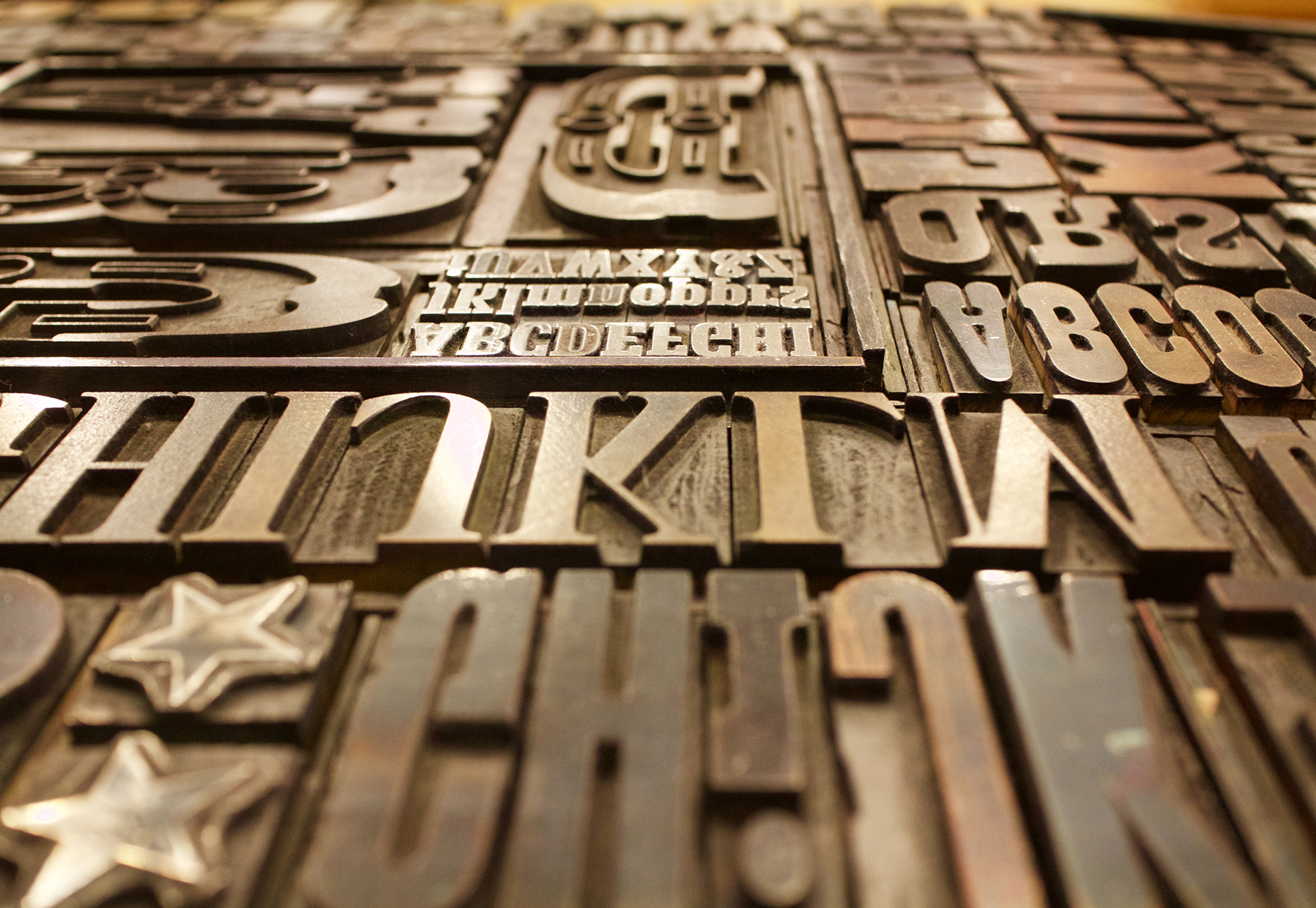
For the projects that don’t come with a set of typography specifications, it can help to have a short list of go-to typefaces to jumpstart projects. Your arsenal should include a couple of serifs, and few sans serifs and one or two novelty or script options for special use.
marcus-depaula-43304
You won’t always end up using typefaces from this “de facto palette,” but it will get you moving quickly on the overall design outline. It will help provide a starting point for font pairing combinations that you can actually show a client almost immediately (and get a feel for how they react to those type styles).
Bonus tip: This concept works great for color palettes, too.

4. HOW TO USE THE RIGHT TOOLS

Using the right tools for the job can make all the difference in the world (and prevent a lot of rework later). Think of how many times you’ve come across a logo in a raster format when the right tool is vector-based software, such as Adobe Illustrator.
This applies to every aspect of design work, both for online projects and printed materials. As a general rule, anything that’s part of a branding scheme or might be needed for multiple uses (logos, characters, iconography) should be designed in a vector format. You can also scale it down or save other files types, but you can’t go from a gif to a scalable image. One time use objects and elements can be designed using small, raster formats or with CSS tools.
Remember, no matter what file format you need for the final version, save everything in a native file for easy access later. Native files are a lot easier to edit and adjust. 

5. USE PREMADE PARTS

Repeat after me – you do not have to create everything from scratch to be a good designer. Particularly when it comes to website projects, use available kits and tools as appropriate to speed up workflows. Most buttons don’t look that dramatically different; it’s ok to start with a kit that includes buttons, icons or other user interface elements. And it will save you a lot of time.
If you plan to use some premade parts of kits, invest in a high-quality option that’s easy for you to edit and adjust. A set of buttons won’t do you any good if the colors or fonts can’t be altered. (While you are looking for user interface kits to help you get moving quickly, grab a couple of nice mockups as well. Clients love seeing their projects displayed in this manner.)
markus-spiske-207946

6. CUT OUT THE CLUTTER

A clean workspace makes for a happy designer. Cutting the clutter comes in two phases when it comes to your digital space:
  1. Keep files and folder clean and free of old versions or materials that aren’t going to be used. Project files and folders should only contain usable materials. If you want to store older versions, set aside a specific location for those elements.
  2. Clean your computer of distractions so that you can work without checking email or Facebook or getting lost in shopping online. (Admit it; this has happened to everyone.) When a project is pressing or even if you are just “feeling it,” turn everything else on your computer off (especially those pesky notifications) so you can focus on the work at hand. You’ll finish sooner and then have time for all that extracurricular activity.

7. START IN BLACK AND WHITE

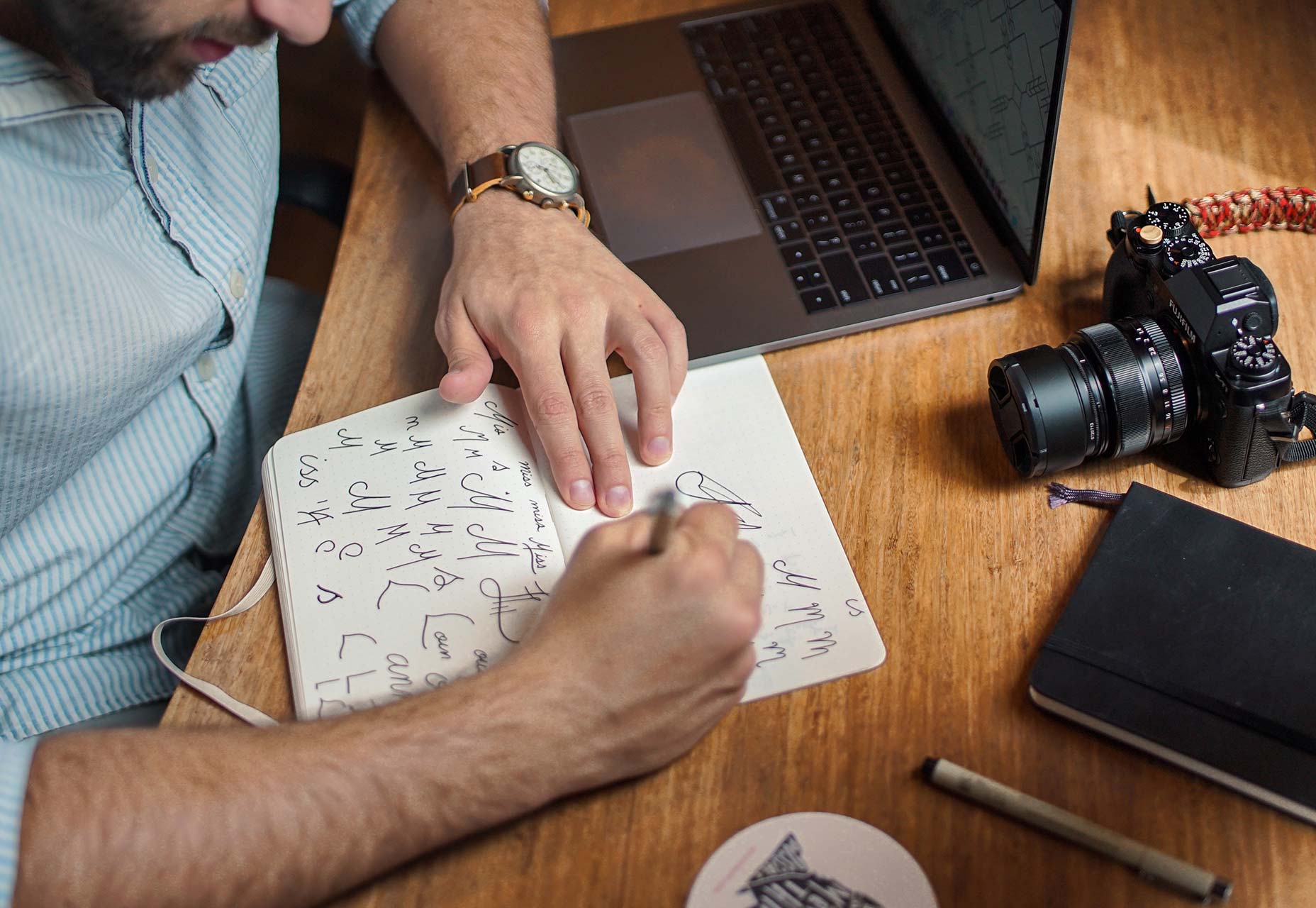
Every good website starts with a solid wireframe. That mantra can apply to the design of any element. Whether you start with a sketch on paper or screen, a black and white outline can be the first step to creating something with plenty of practical application.
brad-neathery-248309

Used as a tenet of logo design, a black and white concept is something most projects will need to include at some point anyway. (You might need to use the design in single color printing or all white over a hero header image.)
You’ll end up doing a lot of backtracking if your design won’t work in these ways. An efficient process starts with black and white and then color and details are added once the black and white concept is finalized. 

CONCLUSION

Ready to get faster? Start at the top of this list and work through the tips until you are starting to shave time off design projects. The key to working at lightning speed (and staying good) is focus. There are so many distractions that take us away from good processes and work practices, go back to the basics to get reacquainted with good workflows.
And good luck. Becoming a quicker designer takes time and patience. Give yourself room to grow.
Creative Commons photos in this article are from Unsplash.

Tuesday, April 5, 2016

Things To Know Before Designing A Great App

User interface design (known also as user interface engineering) encompasses the designing of computing devices, machines, communication devices, software apps, and websites.
The main focus of UI design is to create memorable experience and to guarantee excellent interaction with users. The experience ought to be simplified and efficient, meaning that users will be able to accomplish their tasks without problems or unnecessary delays. This is why UI design is known as the most user-centered design.
Great interface design will enable users to accomplish their tasks with a feeling of ease and comfort. Designers have the essential task of balancing between visual appearance and functionality, in order to provide technically acceptable, but also beautiful design.
Things To Know Before Designing An App
Image source: Julien Renvoye
When reading about things to know before designing an app, you should also have in mind that the system you are designing ought to be modifiable and adaptable to users’ needs.

Platforms for app development

UI style differs significantly from one operating system to the other (try and compare Android, IOS and Windows). Designers should be experienced in a particular platform, so that they will make a suitable design. Choosing the inappropriate platform for a specific UI design would cause some incompatibility.
When developing a non-native app (HTM/CSS), designers should apply the so-called Flat Design style. Skeuomporphic style on the other hand is not applicable because it is complex and slow, and each object has to be modified in order to use images. The final result would be a ‘heavy’ app which takes time to load an image.

The final user doesn’t like changes

The final user doesn’t like changes
Image source: Daniel Klopper
It is sad, but it’s true. It is because change shortens the time users have on disposal for getting their job done. Most final users are always afraid they’ll click ‘the wrong’ thing and they’ll break their device when working in a modified environment. It means that none of the UI changes you may introduce will be positively accepted at the beginning (unless you work carefully and you make a ‘facilitating’ design).
Changes shouldn’t be constantly applied. Your users need to rely on your app’s consistency and you have to make sure that what they’ve learned can be applied for a long time. The essential elements that need to remain unchanged are: layout, design and language. In such cases, users will understand the app much better and they will become much more efficient when operating with it.

Good content creates UI confidence

Good content creates UI confidence
Image source: Gleb Kuznetsov
UI is a deal between you and your customers: you give your customers excellent-quality content, and they are willing to cope with the complexity of your design in order to obtain it. This explains the existence and excellent performance of lower-quality apps that are poorly designed, but have gathered traffic for years so far. It’s a rule-content will always count more than the design standing behind it.

Mobile platforms are different than desktop platforms

asdasdadsasd
Image source: Megan Fox
This is a fact. Your users distinguish mobile from desktop platforms, so don’t expect them to approach the platforms in the same way. Apple is clearly pushing towards the identification between IOS and OSX, but that won’t be such a big user problem because users are familiar with the IOS interface for quite a while.

Using standardized buttons

The biggest dilemma is to choose between ‘Cancel, OK’ and ‘OK, Cancel’ (or Apple’s ‘Previous, Next’ flow).
Designers usually go for Windows’ well-established ‘Cancel, OK’ flow, since most of the population is right handed and they need a subconscious shortcut into approving an activity. Some designers also use colors (green for OK; red for Cancel) believing that in this way, users are enabled to depict the options clearly.
Using standardized buttons
Image source: Padam Boora
Shadowed buttons are not uncommon for flat and skeuomorphic design. In such case, it is recommendable to take really good care of consistency, as the shadow angles need to remain the same throughout the entire website/app. It is a way of replicating daylight experiences, where sunlight disperses equally on any of the present objects.

Keep users focused

Keep users focused
Image source: Alex Volk
In web design, focused equals entertained. You’ll need both dynamic and static elements, and other exiting aspects of UI interface. Your goal is to attract users and to maintain their attention. We recommend you to use bold colors and interesting images.
Human eyes are not so linear to neglect your motions, edges, and patterns. This is exactly why you should avoid distracting or irritating content if you want them to stay focused on something else. Marketing, however, makes the most of this knowledge.
Moderate employing of visual objects can help users to focus and to understand how to perform operations on your website/app without making an effort for understanding technicalities. Visual information is short and concise, and provides an excellent orientation sense among users. At the end of the day, they came looking for simplicity and an easy UI. They don’t really want to know what is happening behind the curtain.

Give them feedback

Remember that interface is a form of interaction-you need to be there for your users at every moment, and to let them know when they do something wrong/right. They should have instructions, guidelines, and to be informed on every exception. We are not talking about user support (that’s not a designer’s problem) but about small cues or messages which can easily take them to the desired result.

What users think about role-interface actually counts

Why would you design a great user interface, if there weren’t the users to evaluate it? You might think users have no enough knowledge to detect the flaws of your design, but they are the first ones to notice complexity or to tag a design as inefficient. Therefore, final users’ feedback should be considered-without user’s affection, even the loveliest website will be ignored.
Users’ opinion is the essential tool of outstanding designers.

Monday, November 30, 2015

Google+ Undergoes Huge ReDesign


The ugly duckling of the social media world, Google+, has just undergone a significant redesign. Far more than a simple facelift, the social network has been entirely refocused on interests, and in the process dropped several of its most used features.

Google leads the pack in almost every field it has entered, but notably struggles with social media; partly because it was late to the game; partly because it over-extended Google+’s feature set.

The real value of social media isn't features, but being on the network that your ‘friends’ are on. Google believes that the key to finally cracking the social media marketplace is by focusing on users’ shared interests, rather than familial or work connections.

Facebook was always that family dinner that you were forced to attend, but secretly hated. Google+ was that cool coffee shop down the street…where you could hang out with people…you actually had something in common with. — Vance McAlister

Google+’s new focus is on Collections and Communities: Collections allow you to immerse yourself in a specific subject — long boarding, or sub-Saharan entomology, for example; Communities allows you to meet up with like-minded users.

The service is being primed as a place not to connect with friends, but to discover new ones. Given Google’s long track record of successfully marrying data to search queries, it’s an approach that’s closely aligned with their core business.

The new Google+ is simpler, and more enjoyable to use. And with consistent experiences across desktop, and mobile sites it feels more coherent. As you’d expect, the design embraces Material Design (including the use of the distinctive, but controversial floating call-to-action).

the new Google+…makes it easier to post, search, connect, and keep up with great content…we’ve worked hard to make our new web experience load fast and work beautifully on devices of all sizes. — Luke Wroblewski, Google

One interesting aspect of the redesign, is that Android and iOS apps—which will roll out in the coming days—look remarkably similar. This flies in the face of conventional wisdom, that suggests that users prefer user interfaces that reflect their chosen platform.

Google plans to continue iterating over the design in the coming months, and some features that are conspicuous by their absence (Events for example) may make their way back into the service.
You can try out the new design by logging into your account, or signing up for an account, and clicking “Let’s Go” when promoted. If you don’t see the option yet, try back in a few days; it’s being staggered over the coming week.

Many commentators had expected Google+ to be quietly retired in the next year or two, but this redesign heralds a new focus and a renewed push from Google to embrace the social landscape. Whether it gains traction is yet to be seen but surely this is G+’s last chance before Google throws in the towel and buys Twitter.